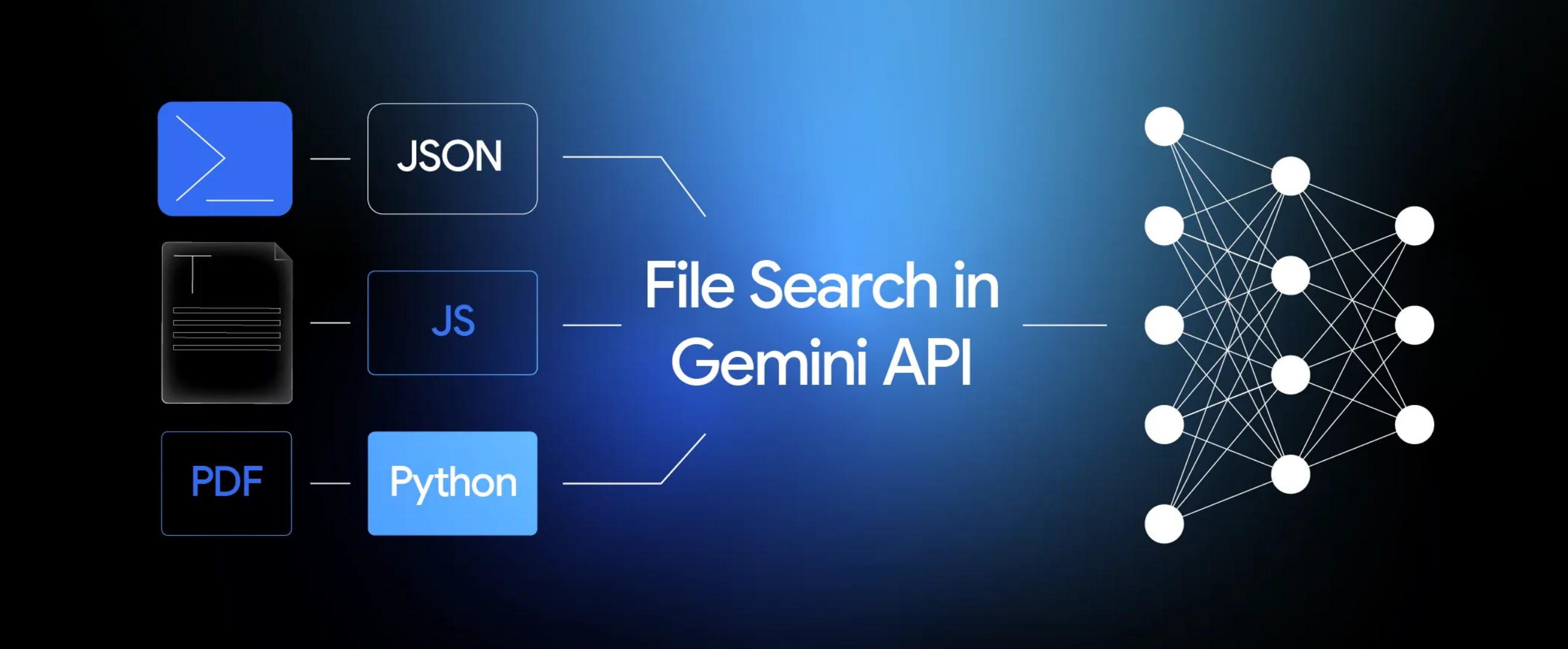
Google just launched File Search in the Gemini API, and it's essentially RAG-as-a-Service. This changes the game for building document-aware AI features, especially if you're a PM who needs to move from idea to prototype without getting buried in infrastructure decisions.
But here's what the announcement posts won't tell you: it's a powerful black box. You get turnkey speed, but you sacrifice control. No custom embeddings, no tweaking retrieval strategies, and some surprising limits like "5 stores per query" that can catch you off guard. The API also forces you to make several architectural decisions that aren't well-documented anywhere.
That's what this post is for. Think of it as your practical handbook for actually shipping something, not just playing with another API.
Why PMs Should Care About Gemini File Search
Imagine outsourcing your entire vector search engine. You upload files, and Google handles:
Semantic search across your content
Grounded answers with citations
Support for PDFs, DOCX, TXT, JSON, and most text formats
File lifecycle management (upload, index, delete)
The benefits for PMs are immediate:
Speed: Go from concept to working prototype in hours, not weeks
Focus: Spend time on UX and workflows instead of vector databases
Cost: Storage and query-time embeddings are free, indexing costs pennies ($0.15 per 1M tokens)
This is ideal for:
Rapidly testing document AI ideas
Building agents that need instant access to knowledge bases
But the tradeoffs are real:
Fixed chunking strategies you can't modify
No choice in embedding models
No visibility into retrieval scores or ranking logic
Complete dependence on Google's implementation choices
This is fine for 80% of prototyping scenarios, but it's a constraint you need to acknowledge upfront.
Gemini File Search vs. Traditional RAG: The Mental Model
Traditional RAG = You control everything: chunking, embeddings, vector DBs, ranking, permissions.
Gemini File Search = You outsource the search engine and chat interface, but keep control of the database, metadata, permissions, and user experience.
What Google actually provides:
Automatic chunking and embeddings
Managed vector storage and indexing
Semantic search + grounded answers with citations
What you still own:
Document database design
Folder structures and metadata schemas
Upload flows and status tracking
Permission systems and tenant isolation
UX for browsing, searching, and chatting
Hard limits to factor in:
No retrieval-only endpoint (chat interface only)
Limited debugging visibility
Constraints around store management
If you need surgical control over retrieval quality, stick with traditional RAG. If you need speed, Gemini File Search wins.
Implementation: The Two-Phase Approach
After wrestling with the API myself, here's the simplest path forward:
Phase 1: Data Architecture
Create a documents table to track: file names, folders, owners, org IDs, status, and the Gemini file/store IDs
Pick your store strategy:
Prototypes: One global store is fine
Production: One store per organization is the safe default
Avoid "store per folder"—it becomes a maintenance nightmare
Phase 2: Core Flows
Upload flow: User uploads → You store → Send to Gemini → Save returned IDs → Mark as "ready"
Citation mapping: Gemini returns internal doc names. Your backend translates these to human-readable names and links by looking up your documents table
Permission enforcement: Attach metadata (folder, org, user groups) when importing. Filter queries based on these fields before returning results
For Prototyping: Don't Overthink It
If you're just testing an idea, skip the architecture meetings. Tell your dev team or AI assistant:
"Build a single-tenant RAG prototype using Gemini File Search. Use one global store, a simple documents table, and basic metadata. Focus on simplicity over options. Implement in four phases: (1) Two-tab UI for Documents and Chat, (2) File upload and listing, (3) Basic chat without citations, (4) Chat with citation mapping. Reference the official API docs for specifics."
That's enough to validate 90% of use cases. You can refactor later.
Extending for Production
Once your prototype validates the concept, consider adding:
Multi-organization support and group permissions
File previews and PDF rendering
Secure, view-only document access
Usage analytics and audit logging
Bulk operations and folder uploads
External storage integrations (Google Drive, S3)
Bottom Line
Gemini File Search isn't a magic bullet—it's a deliberate tradeoff. You get to market in days instead of months, but you're building on top of a system you can't fully control or inspect.
For PMs, that's often the right call. Your job isn't to build perfect vector search; it's to solve user problems and validate product-market fit. This API lets you focus on what matters: the experience, the workflows, and the value proposition.
Use it to move fast, learn fast, and ship fast. You can always rebuild the plumbing later when you know it actually matters to your users.
Go Back